FitPix - Face & Body Editor
eToolkit Inc
Downloads
10,000,000+
Source
Google Play
Click to download now, finish the installation quickly, and directly unlock the all-round experience
Screenshots
Click to download now, finish the installation quickly, and directly unlock the all-round experience
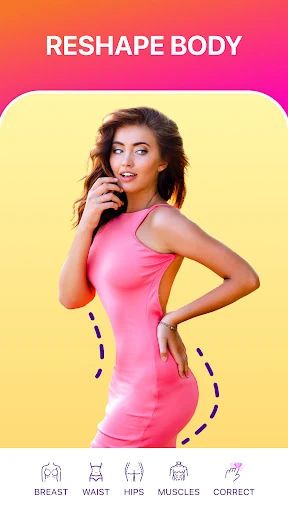
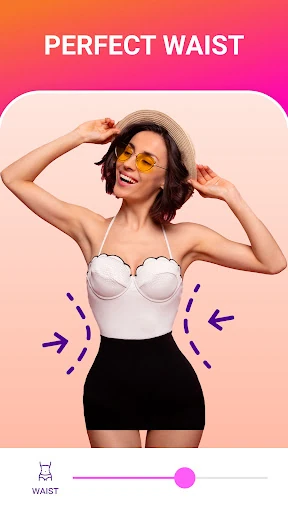
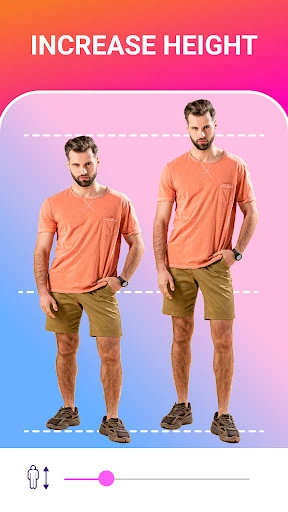
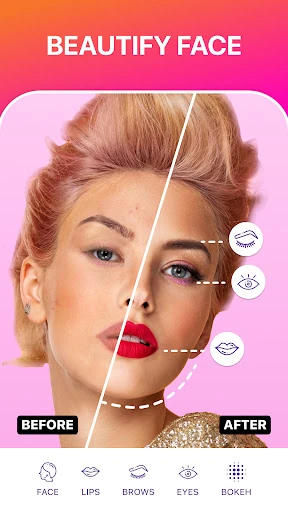
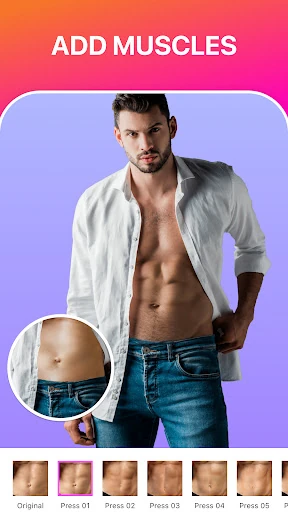
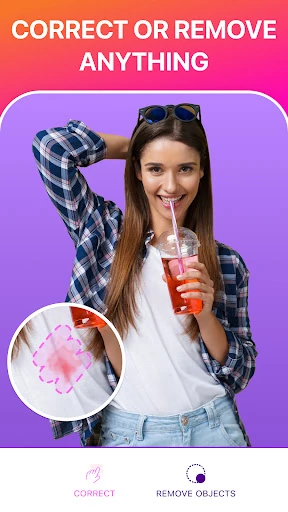
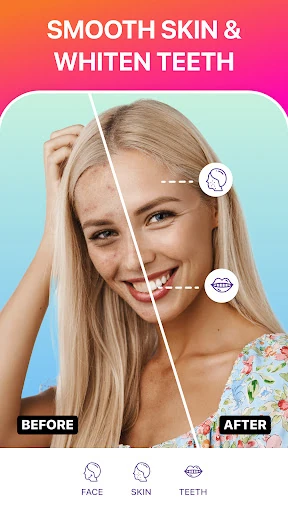
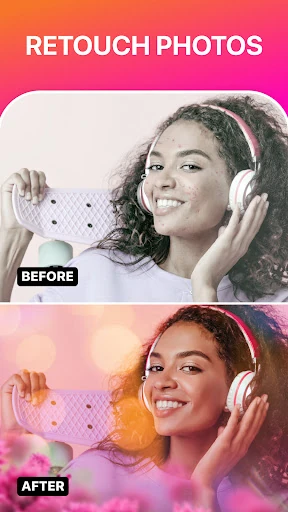
FitPix - Face & Body Editor is a photo editor for people who want to retouch selfies or reshape details in a portrait without switching between several editing tools. It includes controls for skin blemishes, teeth, wrinkles and facial proportions, plus body adjustments such as changing waist shape or leg length. You can also try hair colours, remove unwanted objects, replace a background, apply filters and make collages.
That range may suit casual portrait editors who want visible changes with slider-based controls. It is also worth remembering that reshaping and retouching can change how a person looks, not just tidy a photo. Check the result at full size before sharing, especially around edges where a changed body shape or removed object meets the background.
FitPix is published by eToolkit Inc in the Photography category. Its rating is about 4.27 out of 5 from 45,642 ratings, and the listing reports 10,000,000+ installs. Those figures show substantial use and a sizeable pool of ratings; they do not tell you whether the editing style or controls will suit your own photos.
Editing is an attention cost as well as a practical one: testing several filters, fine-tuning a reshape or cleaning a busy background can take longer than a quick crop. The available information here does not establish whether the app shows ads, what permissions it requests, how much storage it uses or what it costs. Those details matter before you decide how much space, access and interruption you are willing to trade for its toolkit.
Choose FitPix if you want portrait retouching, body edits, object removal and collage-making gathered in one photography app. If you mainly need basic cropping or colour correction, its more appearance-focused tools may be more than you need. Consider whether you want the image you took, a noticeably edited version, or something in between.