
Click to download now, finish the installation quickly, and directly unlock the all-round experience
Screenshots
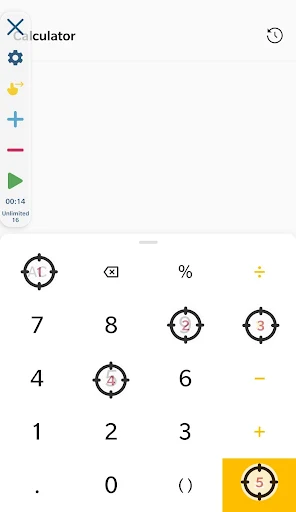
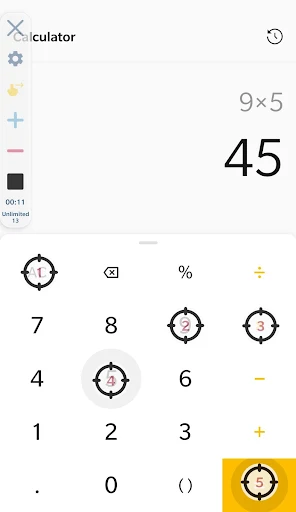
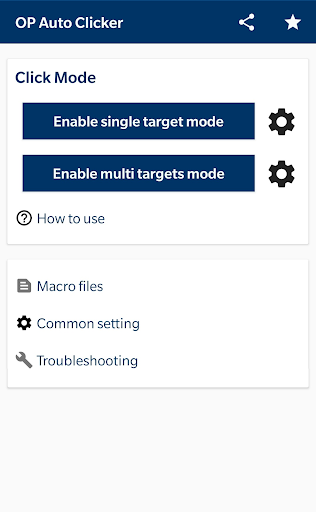
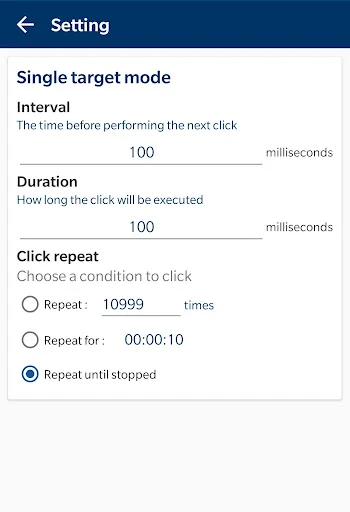
Click to download now, finish the installation quickly, and directly unlock the all-round experience
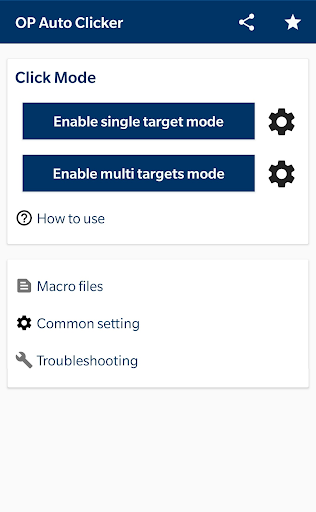
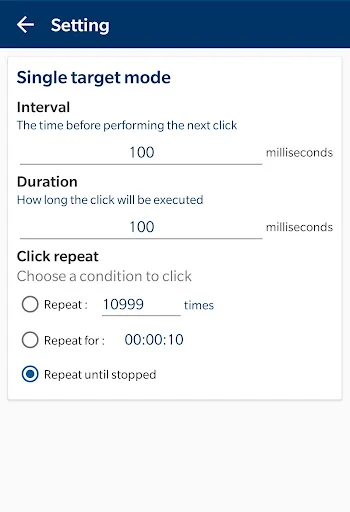
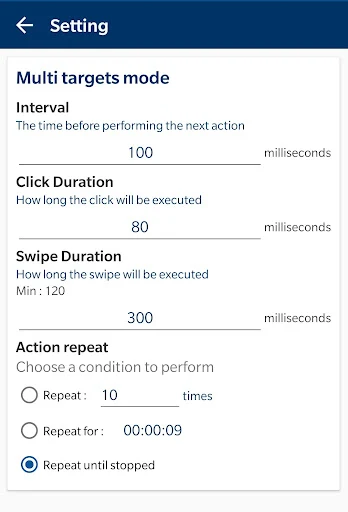
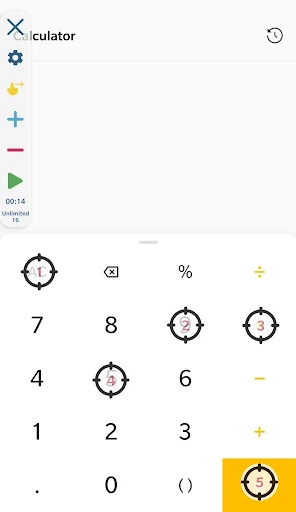
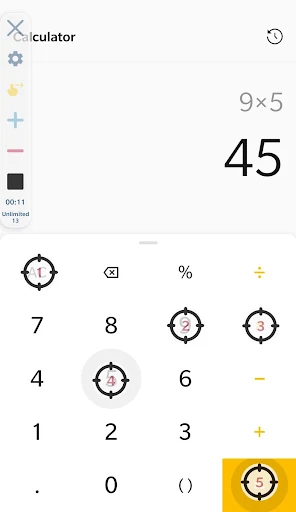
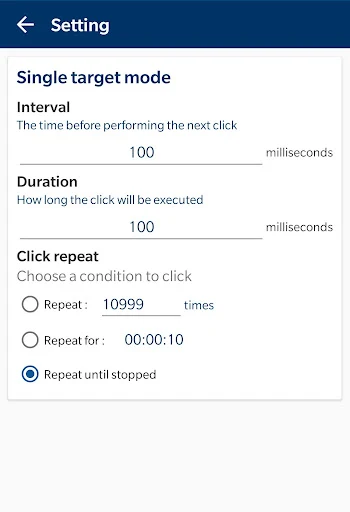
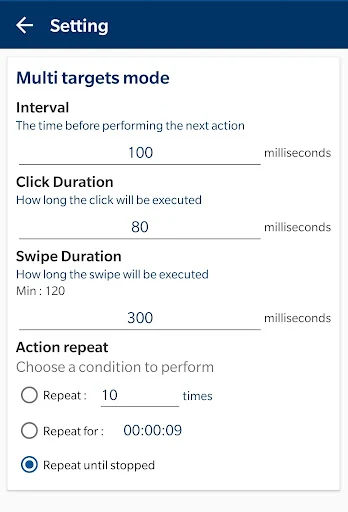
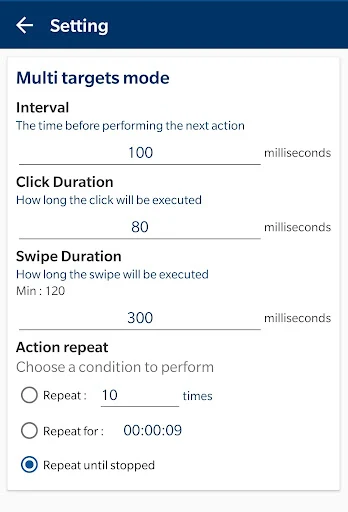
OP Auto Clicker - Auto Tap performs touch actions for you, from repeated taps at one point to sequences involving several points and swipes. You can set how long to wait between actions, how long each touch lasts, and how many times or for how long the sequence should run. It is aimed at people who need to repeat touch actions rather than make each one by hand. Scripts can be saved and loaded for reuse.
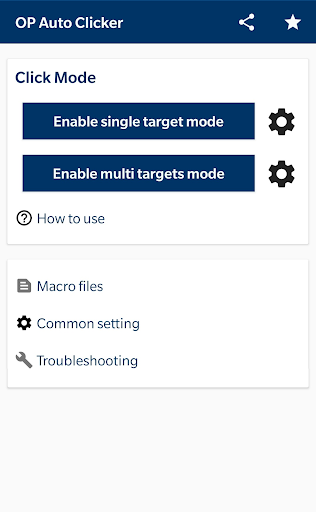
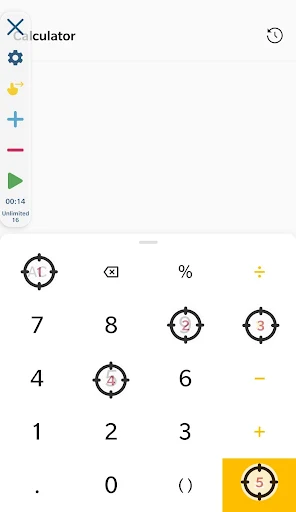
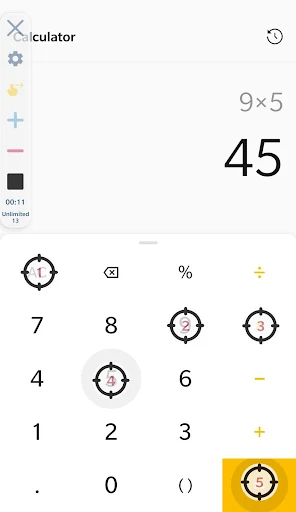
The app has single-target and multi-target modes. Its on-screen control interface can be resized and made more or less opaque. OP Auto Clicker requires Android 7.0 or later and uses the Accessibility Service to carry out taps and swipes; you have to authorize that service for the app to work. That access is central to its purpose, but it is still a meaningful permission to consider before enabling it.
Listed in Tools and developed by mouse tool, the app has a 4.3-star rating from 14,655 ratings and more than 5 million installs. Those figures suggest broad use, but they do not tell you whether the automation will suit your particular task or how comfortable you are granting Accessibility access.
The supplied details do not state a price, storage requirement, or whether the app shows ads, so those costs cannot be assessed here. The clearest trade-off is permission: automated actions depend on Accessibility access. The developer says the service is used for the app’s core clicking and swiping functions and that it does not collect private data through this method. Consider that statement alongside the access being requested, and whether saving and reusing touch scripts is worth granting it.